![Gradient_Horizontal_onDark-2.png]](https://support.goconsensus.com/hs-fs/hubfs/Gradient_Horizontal_onDark-2.png?height=40&name=Gradient_Horizontal_onDark-2.png)
Reviewer note: this article duplicates "Create a DemoBoard within Consensus" (/create-a-demoboard-within-consensus). Recommend deprecating this URL with a 301 redirect to the canonical version. Both URLs cover the same content; users searching for either spelling should land on the same article.
See the canonical DemoBoard creation article
The full walkthrough lives at Create a DemoBoard within Consensus. That article covers picking demos, adding recipients, configuring Additional Options, and copying the share link.
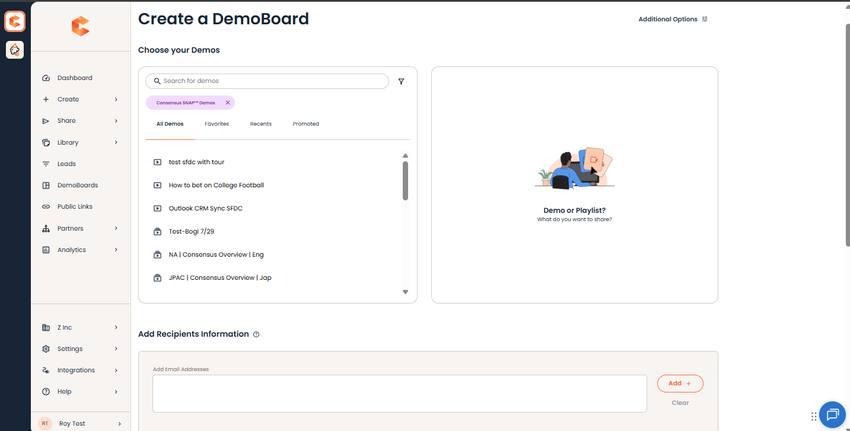
Create DemoBoard — see the canonical article for the full walkthrough.
Quick summary
- Click Share → DemoBoard in the sidebar.
- Pick a demo (or build a playlist).
- Add recipient emails.
- Configure Additional Options (Notifiers, expiration, etc.).
- Click Create DemoBoard, copy the link, send.