
Dynamic HTML Tour Overview
Capture web pages for use in Dynamic Tours
HTML Capture is how you bring a live web page (your app UI, a website, a documentation page) into a Dynamic Tour as a fully interactive snapshot. Viewers can click through it as if they were on the real page, while you overlay hotspots, callouts, and step text on top.
Where to find it
Icecream icon  → Dynamic tour Extension
  → open Dynamic Tour → select HTML Capture.
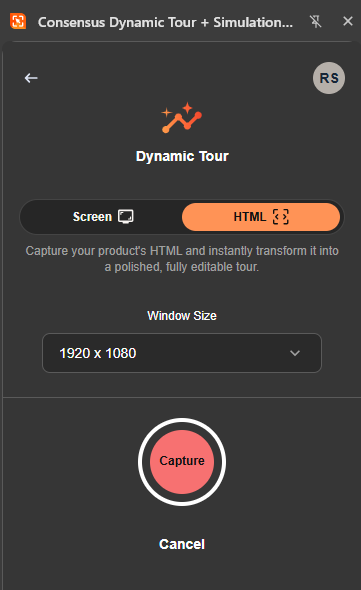
Dynamic HTML Tour Capture
How HTML Capture works
- Open HTML Capture mode.
- Enter the URL of the page you want to capture.
- Consensus renders the page in a controlled browser, captures its DOM, and stores the captured state for use in your tour.
- Add hotspots, step text, and callouts on top of the captured page.
Best practices
- Capture pages that are publicly accessible or behind a predictable auth flow — captures that depend on session state may not reliably reproduce.
- For frequently-changing pages, re-capture periodically. The capture is a snapshot, not a live mirror.
- Avoid capturing pages with content that's sensitive, subject-to-change, or requires customer-specific data.
See also
"Getting started with Consensus Tours" for tour creation basics, "Introduction to Consensus Tours" for the conceptual overview.