
Use the following link to add Snap to your Chrome Browser: Consensus Snap Extension Download page here
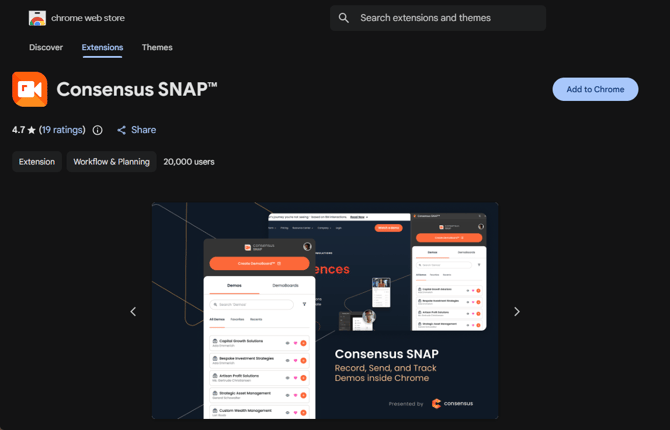 Consensus Snap download page (2026-04-29) — Chrome extension install.
Once you've added Snap you'll see the Consensus "C" logo in the upper right-hand corner of your Chrome browser:
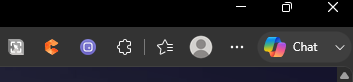 Consensus SNAP Extension
Note: The Consensus logo will appear orange on pages where you can open the Snap extension. Some pages, such as the Chrome Web Store download page, do not allow Chrome extensions to open, even though the Snap icon may still display in orange.
To open Snap simply click on the Consensus Logo and sign in using the same login credentials you use to access the main Consensus Platform. If you can't remember your login you can reset your password here (https://app.goconsensus.com/change-password).
Good luck and Happy Snapping!