
Sometimes, your prospects will ask you to resend the demo link you previously sent them.
If you encounter this situation, rather than sending a new demo link, simply search for the Demoboard name along with the client's company name:
Once you find the demo, you can just click on the three dots. This will give you two options: “Share As” and “Expire” the DemoBoard. Choose Share As, and you can easily retrieve the link again for copying and pasting, so you won't need to create a new link to send to your prospect.
You can choose the type of link you'd like to send. Options include the Button Link, Text Link, or Image Link.
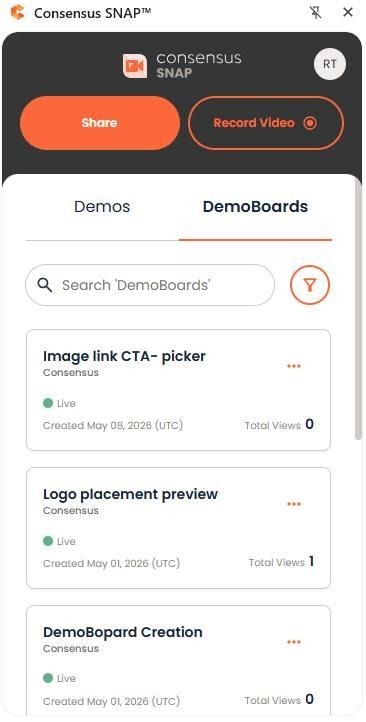
Snap main window (top) — recent demos list.
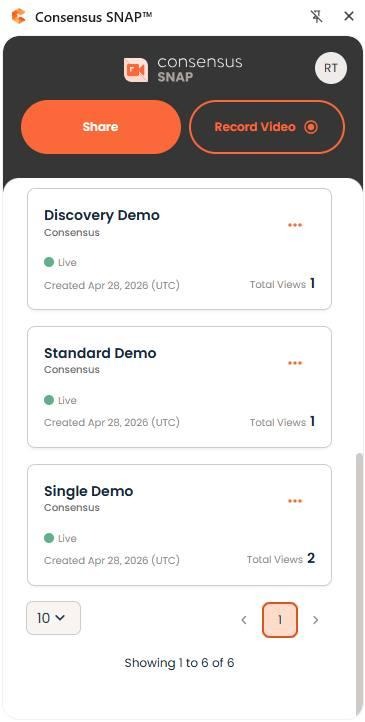
Snap main window (bottom) — copy a previous demo link from history.