![Gradient_Horizontal_onDark-2.png]](https://support.goconsensus.com/hs-fs/hubfs/Gradient_Horizontal_onDark-2.png?height=40&name=Gradient_Horizontal_onDark-2.png)
When you add a new user to the Consensus platform, they’ll automatically receive an email notification informing them that they’ve been added to your account.
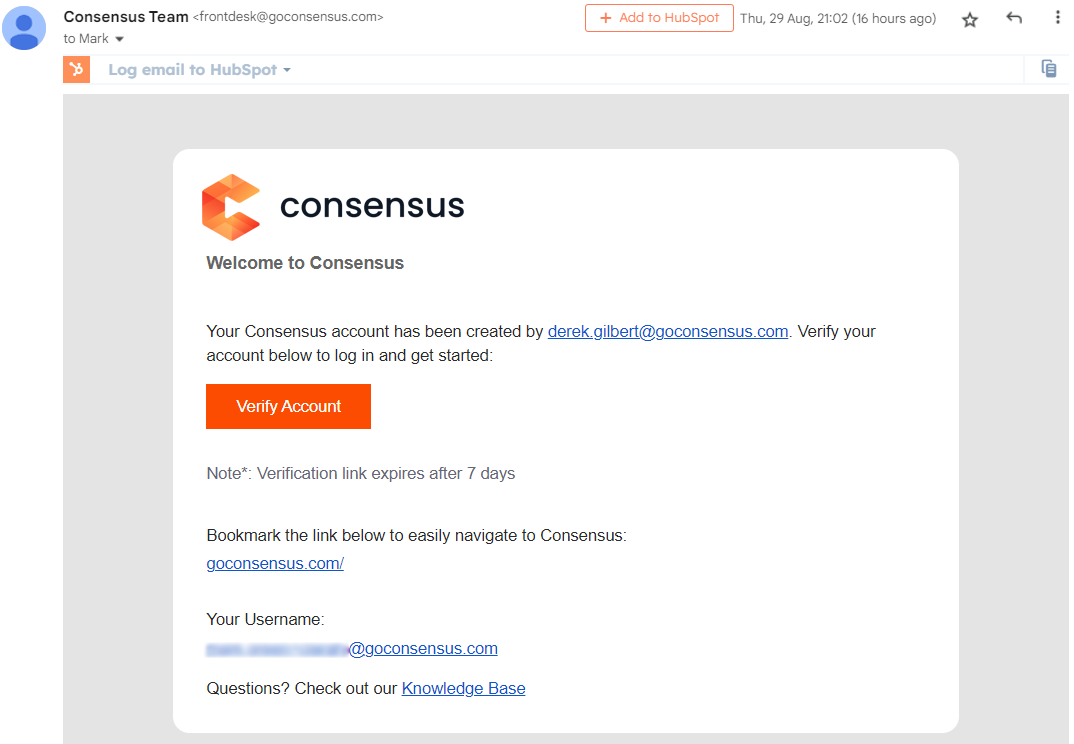 Email notification
The new user must verify their account before they can access the Consensus platform.
If you've already been added to Consensus, go to https://app.goconsensus.com/signin to access the platform.
If you don't remember your password, you can always prompt the system to send you a reset password email (link here):
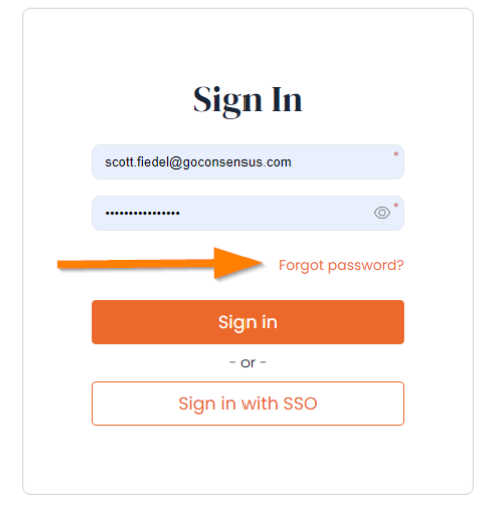
Once you receive the email, click the link to reset your password.