
How to log into Consensus
Standard login (email + password)
- Go to app.goconsensus.com.
- Enter your email and password.
- Click Sign In.
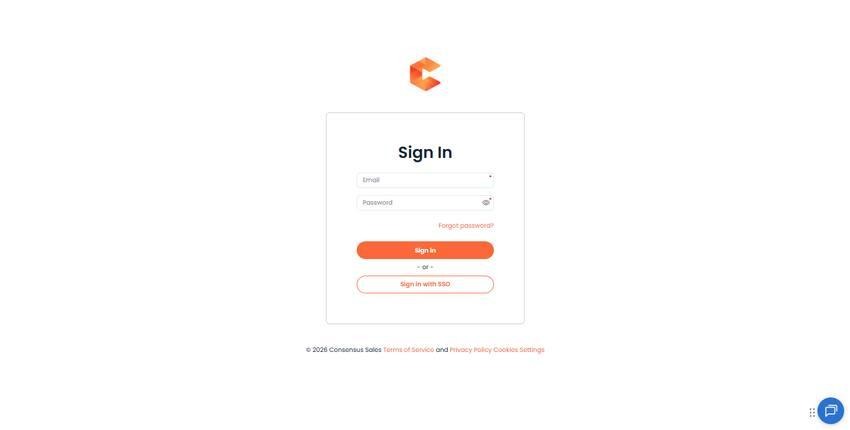
Consensus login page.
SSO login
If your organization uses SSO (Okta, Azure, Entra ID, Google Workspace, etc.), click "Sign in with SSO" on the login page. You'll be redirected to your identity provider to authenticate, then back to Consensus with a session.
Forgot password?
Click the "Forgot password" link on the login page. Enter your email — Consensus sends a password reset link to your inbox. The link expires after a short window for security.
First-time login (welcome email)
New users receive a welcome email when an admin (or Bulk Upload) creates their account. The email contains a one-time sign-in link that lets them set their initial password.
Trouble signing in?
- Check that you're using the right email address (case insensitive, but no typos).
- Your account may be disabled — contact your Consensus admin.
- Your session may have timed out — try clearing cookies and signing in again.
- If your org uses SSO and SSO is down, contact your IT team. Consensus cannot bypass an outage on your IdP.