
Resend a DemoBoard link to a prospect
When a prospect loses the email with their DemoBoard link, you don't need to create a new DemoBoard — that would split their analytics into a duplicate record. Instead, grab the same link from Track DemoBoards and resend it.
Step-by-step
- Open Track DemoBoards.
- Search for the prospect or organization.
- Hover the row, click the link icon in the Actions column.
- Copy the DemoBoard link in the format you want (Image Link, Button Link, or Text Link).
- Paste it into a new email or message and resend.
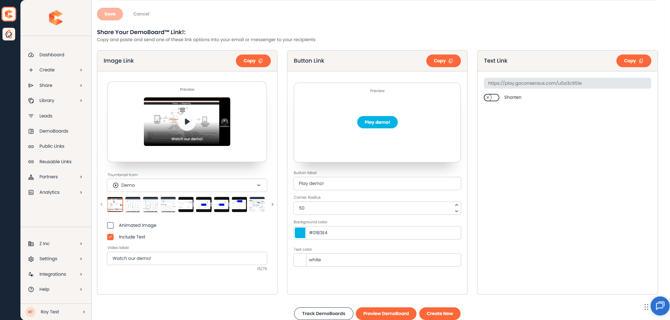
Track DemoBoards — the link icon opens the DemoBoard's share options.
All of the prospect's analytics — current and future — stay attached to the same DemoBoard record. No duplicates, no merging needed.