
Where to find your leads
Every lead captured through a Public Link Lead Capture Form lands in the Leads section of Consensus. From there you can filter, search, and export them as CSV.
Open the Leads page
Click Leads in the left-hand sidebar.
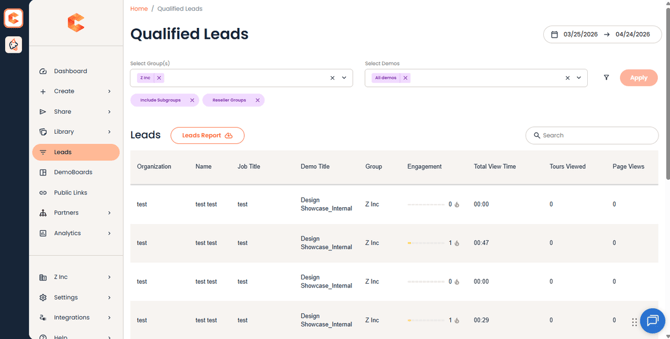 Leads in the left-hand sidebar.
The Qualified Leads view
Leads opens to the Qualified Leads list — every lead from your Public Link forms, broken down by demo. The default scope is All Demos and the last 30 days.
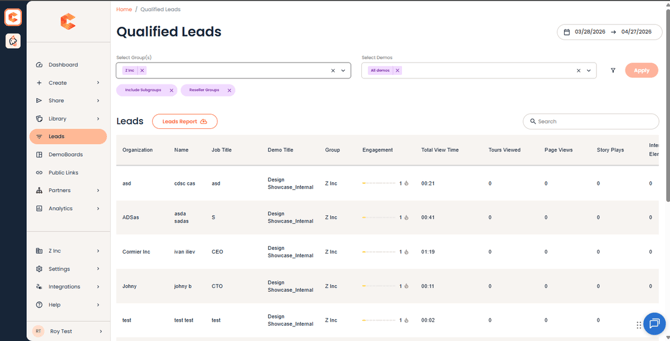 Qualified Leads (top) — header, filter chips, and the start of the list.
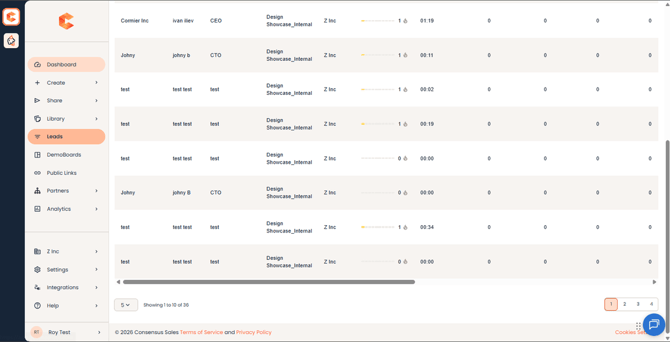 Qualified Leads (bottom) — pagination and CSV export.
Filter by demo or date
Use the demo dropdown at the top to scope leads to one or more specific demos. Use the date picker on the upper right to set a custom date range — useful for campaign reports or QBRs.
Additional filters
Click the filter icon next to the demo dropdown to open the additional filters panel. From there you can narrow leads by:
- Lead Capture Form — pick a specific form.
- Source / UTM — campaign attribution (if your Public Link carried UTMs).
- Domain — internal vs. external (driven by the Internal Domain Filtering setting in Global Demo Settings).
- Engagement signals — viewers who watched at least N% of the demo, etc.
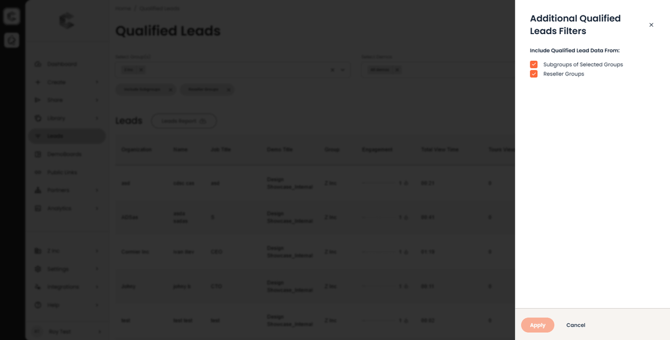 Additional Qualified Leads filters panel.
Export to CSV
Click the download icon in the upper right of the leads table to export the currently filtered list as a CSV file. The export honors whatever filters you have applied.