
A Standard Personalization Demo works best when viewers know what's coming. The intro video is your chance to give a quick overview and show them how they'll personalize the experience by rating each feature.
To make that easy, we've made a short, white-label intro video (about 22 seconds) that walks viewers through the feature-rating step. Use it on its own, or add your own message to it.
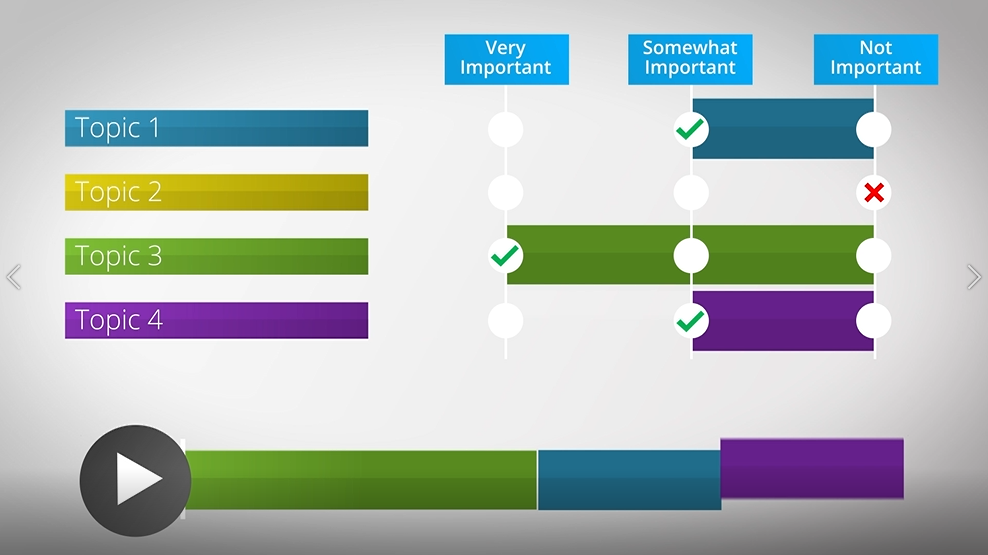
White-label intro video for Standard Personalization Demos
| Download the Video |
Pick the version that suits your demo:
- Standard Personalization Demo intro video (with music)
- Standard Personalization Demo intro video (without music)
| Add It to Your Demo |
- Open your Standard Personalization Demo in the Demo Wizard (or create one from Create > Standard Personalization Demo).
- Go to Step 3: Demo Content.
- Under Intro Content, click Upload next to Intro Video and choose the file you downloaded.
- Click Continue to carry on through the wizard.
You'll know it worked when the video shows in the Intro Video slot and plays in your demo preview before the feature-rating step.
| Make It Your Own |
Want to open with a personal hello before the walkthrough? Record a short message and add it in front of the white-label clip:
- Use Create > Screen Recorder to record your opener, or Create > ScreenPal if you prefer to edit and stitch clips together.
- Keep your opener short. A few seconds of context, then let the walkthrough do the explaining.
- Upload the combined video as your Intro Video.
| Good to know: If you later use this Standard Personalization Demo inside a Discovery Demo, its intro video carries over automatically. |
| Keep Exploring |
How to Create a Standard Personalized Demo · How does Feature Personalization Work? · Recording demos that look and sound professional